OurPact vs Bark

Boundaries,
not just monitoring.

Bark watches what your kids say and see online. OurPact helps your family agree on the rules — and holds the line across every device.

If reading every message is the goal, Bark is built for that. If you want screen time, apps, and multiple schedules handled — without surveillance — that's OurPact.
★★★★☆ 4.4 · 56,650 App Store ratings✓ Apple-approvediPhone · iPad · Android
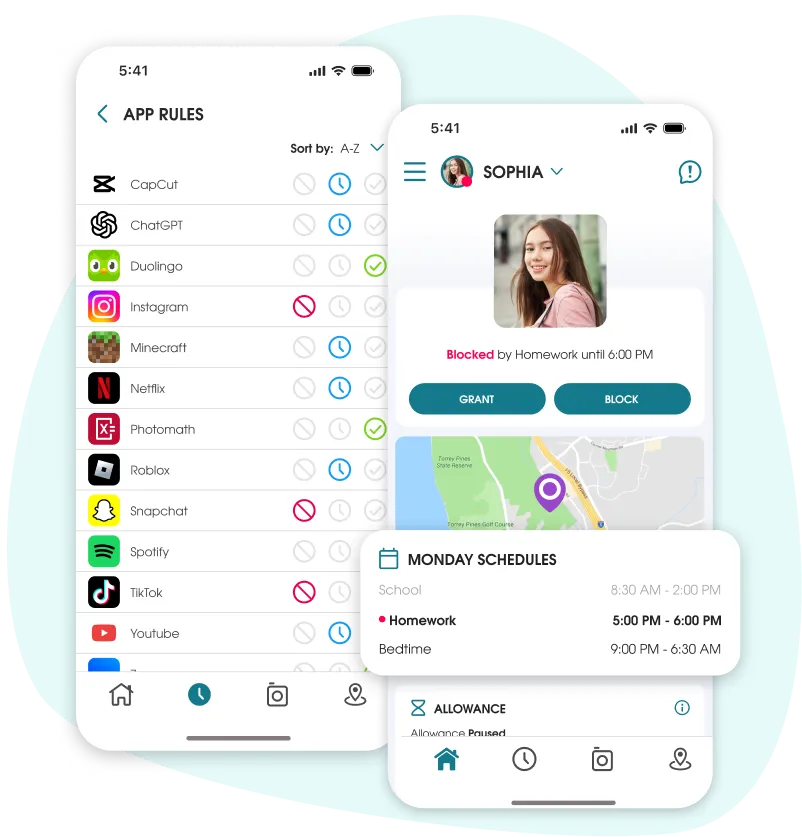
OurPact parent dashboard showing app rules and daily schedules across a child's devices.

The short answer

Bark is built for monitoring, it uses AI to scan your child's texts, 30+ social apps, and email, and alerts you to risks like bullying, predators, or self-harm.

OurPact is built for boundaries. Screen-time schedules, app rules, encrypted screenshots of the child’s screen, collected in a private gallery in the parent app, and family location that work the same on iPhone and Android, from one dashboard, without reading their messages.

Side by side

OurPact vs Bark, honestly compared

Both are well-reviewed apps that take different paths. Here's where they actually differ.

OurPact

The boundary & agreement tool
  • Set boundaries together — app/website blocks, device instant blocks, schedules, View, and manage — all from one dashboard
  • Full management on iPhone, iPad and Android, from one dashboard and web app
  • Schedules and app blocks hold on Wi-Fi and cellular
  • Granular schedules for every part of the day, plus instant block or earned time
  • Live location, location history and arrival alerts in the same app
  • A genuinely free offering or Premium $6.99/mo and Premium+ $9.99/mo (save $ on annual subscription)
  • See exactly what's on their screen with View (Premium+) — on-demand or timed screenshots, including messages on screen, AI-flagged and encrypted; you choose when to look
  • Privacy-first — OurPact doesn't collect data on its family subscribers or child profiles and never sells your family's information to third parties

Bark

The monitoring & alerts tool
  • Scans texts, 30+ social apps and email, and alerts you to risks
  • Monitoring is limited on iOS by Apple's rules; works best on Android
  • On iPhone, content alerts aren't "real-time" — they update only when the child is on Wi-Fi connected to Bark Home, and pause on cellular
  • Screen-time schedules and app/website blocking
  • GPS, geofencing and check-ins on the Premium plan
  • Free 7-day trial, then paid; full monitoring needs the higher Premium tier
  • Scans the contents of messages, social and email — deeper visibility, but it needs access to the child's accounts

OurPact is Apple-approved — vetted and recertified by Apple every year.

When Bark might be the better fit

We'll be straight with you. If you want an always-on system that continuously scans everything across your teen's messages, social, and email and alerts you, Bark is built for exactly that, and it does it well for Android devices. iOS device alerts are not in real-time. OurPact takes a different approach: View (Premium+) lets you see what's on their screen on demand, messages included, and flags concerning content, but it's a spot-check you control rather than an always-on scan of their whole account history.

What OurPact does is help you set boundaries your whole family understands, and hold them across every device without the surveillance. Plenty of parents of older teens even run both. But if you want structure and healthy limits — screen time, app rules, schedules, on-demand or periodic content monitoring with view, website filters, and knowing they got there safe — start with OurPact.

Watch

See OurPact in action

Short clips on schedules, app blocking, and family location.

Why families pick OurPact

Set the rules together. The app holds the line.

A pact beats a stakeout.

Boundaries everyone agrees on — not surveillance

OurPact isn't about reading their messages. It's about the rules you set together: what's blocked, when screens go off, what bedtime looks like. Kids know where the lines are, so it feels like an agreement, not a search of their phone.
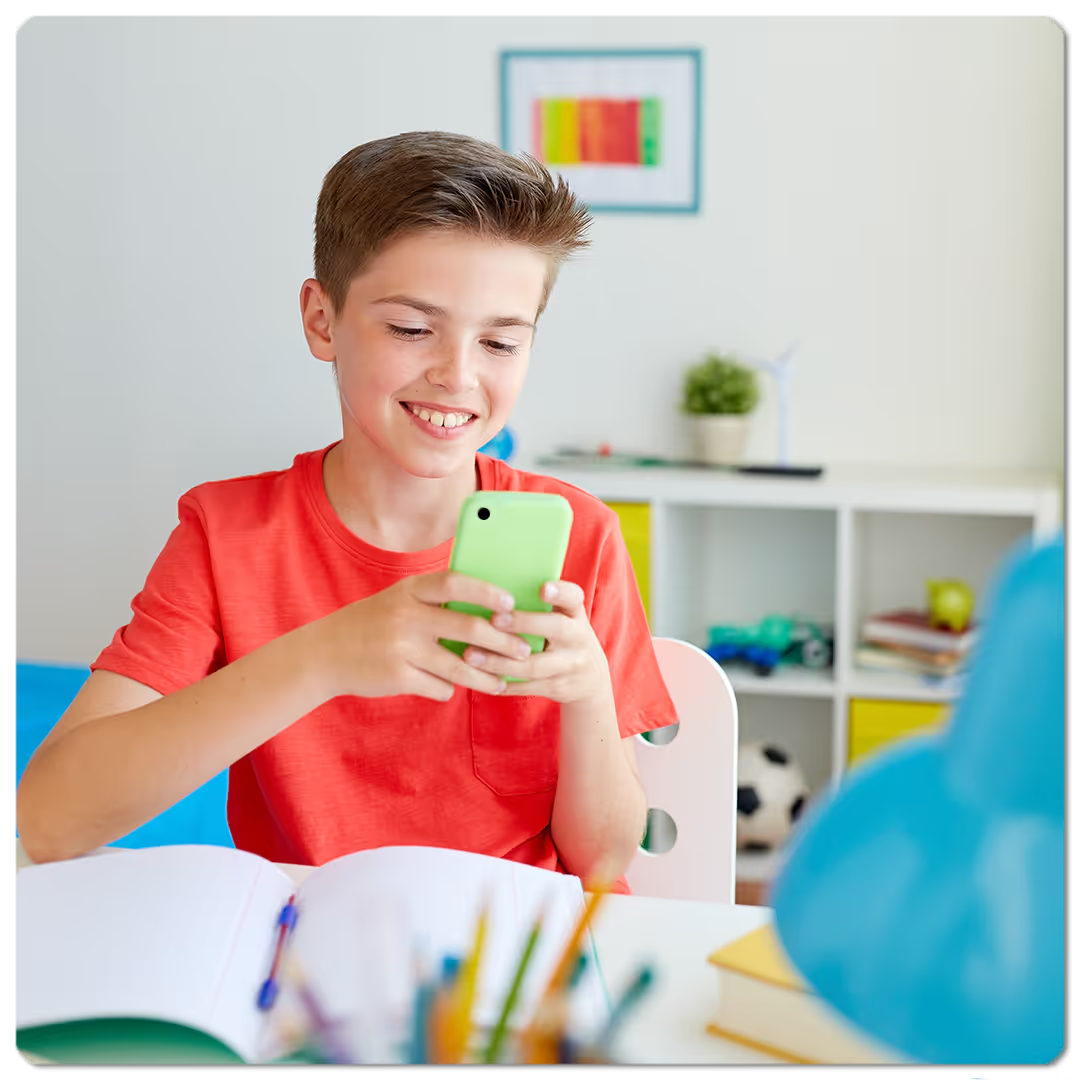
Boy on his phone surrounded by blocked social media apps.
OurPact bedtime schedule blocking a device with the child's location on a map.
One Android. One iPhone. One dashboard.

Works the same on iPhone and Android

Bark's monitoring leans on Android and gets thin on iPhone, and pauses when a kid leaves Wi-Fi. OurPact manages every kid's device — iPhone, iPad and Android — from one dashboard, and your schedules and app blocks hold whether they're on Wi-Fi or cellular.

"I'm at Maya's." Now you actually know.

Screen time and family location, in one app

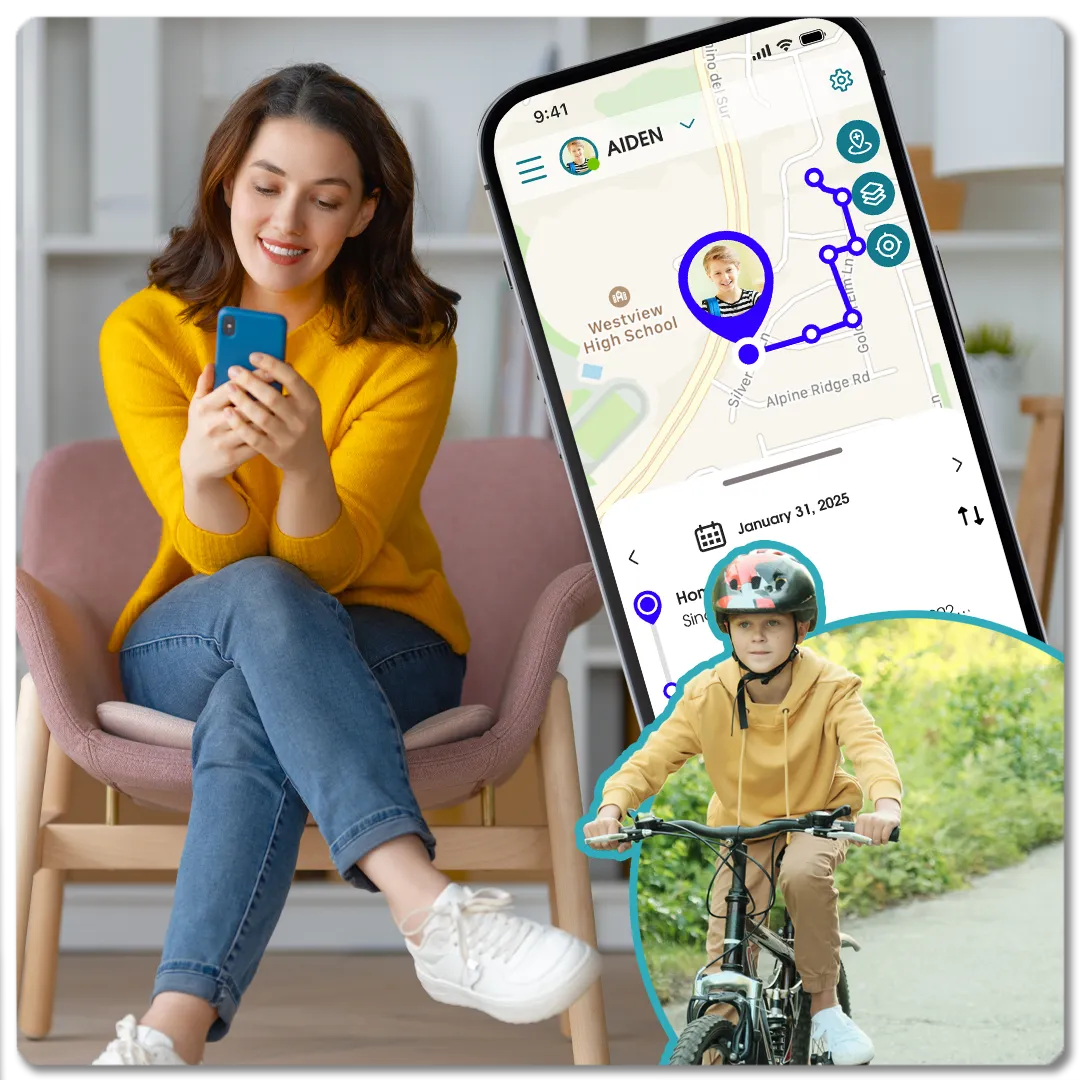
See where they are in real time, get a heads-up when they arrive at school or get home, and check the day's route later — alongside the schedules and app rules, in the same dashboard. No second app to juggle.
OurPact location alert reading Sophia has arrived at Madison Park.
OurPact View content categories flagging concerning content for parents to review.
Sometimes you just need to see what's on the screen.

See their screen, when you choose: View

View (Premium+) is a real window into your child's screen. Take an on-demand screenshot to see exactly what they're looking at — or reading and typing — right now, or set timed captures to review later. AI flags anything concerning so you don't have to scroll. The difference from Bark: you decide when to look, your child knows it's there, and every image is encrypted and auto-deletes in 14 days — a spot-check you control, not an always-on scan of their whole digital life.

4.4 · 56,650 App Store ratings

What families are saying

★★★★★

"The only cross-platform parental control app that worked as advertised. A child who isn't trying to hide their actions won't feel like it's an invasion of privacy."

Derick F.
★★★★★

"Easy to use, works perfectly. I can hide certain apps at times — perfect for school days. Multiple schedules, applied as needed. Makes my life so much easier."

Angel
★★★★★

"I have an Android and my son has an iPhone, and I can manage his devices easily — block apps individually, set times — and support is awesome. No complaints."

N. Hernandez
Common questions

OurPact vs Bark: your questions

Is OurPact or Bark better?
It depends what you want. Bark is better if your priority is always-on monitoring — continuously scanning your child's messages, social media, and email for risks. OurPact is better if your priority is boundaries everyone agrees on — screen-time schedules, app rules, and family location across iPhone and Android, with View to spot-check the screen when you choose.
Does OurPact monitor text messages and social media like Bark?
Differently. OurPact doesn't connect to your child's accounts or continuously scan their message history the way Bark does. But with View (Premium+), you can take an on-demand screenshot to see what's on their screen — including messages they're reading or typing — or review timed captures later. It's a spot-check you control and your child knows about, not an always-on feed.
Does Bark work on iPhone?
Partially. Apple's privacy rules limit what Bark can monitor on iOS, so Bark works more fully on Android. On iPhone, Bark's content alerts aren't real-time — they update when the child is on Wi-Fi connected to Bark Home, and pause on cellular. OurPact manages iPhone, iPad and Android, its schedules and app blocks hold on Wi-Fi and cellular, and View captures the screen in real time, anywhere, with no home device required.
Does OurPact have a free version?
Yes. OurPact has a genuinely free plan to get started that allows for one schedule and five manual blocks per month, with paid plans Premium $6.99/mo or Premium+ $9.99/mo for more features. Bark offers a free trial but no permanent free plan.
Can I use OurPact and Bark together?
Yes. Some families pair them — Bark for message and social monitoring on an older teen, OurPact for screen-time boundaries and family location across everyone's devices. If you want one app for healthy limits with transparent check-ins your kid knows about, OurPact is a complete solution on its own.
Does OurPact work on Android?
Yes. OurPact manages Android phones and tablets as well as iPhones and iPads, and a single child profile can be paired across a mix of iOS and Android devices — all from one parent dashboard.
Does OurPact monitor what my child sees, like Bark?
Yes — with View (Premium+) you can see exactly what's on your child's screen, including messages, by taking an on-demand screenshot, or set timed captures to review later. AI flags concerning content so you can skim, not scroll. The difference from Bark: View is a spot-check you choose to run and your child knows is active, kept in an encrypted gallery that auto-deletes after 14 days — not an always-on scan of their entire message history and accounts.
Can kids get around Bark's monitoring?
Sometimes. To scan messages and social media, Bark needs you to connect each of your child's accounts — social platforms, email, even Google Drive — using their login credentials. Some kids keep a private “real” profile their parents don't know about and only connect a tidy, parent-friendly one. No monitoring app fully solves that. OurPact works differently — boundaries everyone agrees on, plus optional screen check-ins with View — so your rules don't depend on having every social and email account's password.
Is my family's data private with OurPact?
Yes. OurPact doesn't collect data on its subscribers, and we never sell your family's information to third parties. View screenshots are encrypted so only you can open them, and they auto-delete after 14 days. OurPact's model is built around boundaries you set together — not harvesting your child's data.

Set boundaries your family agrees on.

Screen time, apps, schedules, device screenshots, and family location — across every device, from one dashboard. 14-Day free trial.

Works on iPhone, iPad & Android · Apple-approved